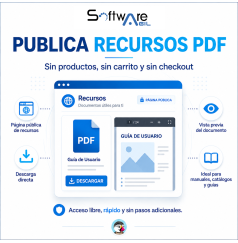


Create a downloads page in PrestaShop to publish PDFs, manuals, catalogs, guides and other free resources without products, cart or checkout. Includes direct download, document preview, scheduled publishing and automatic PDF and image optimization with WebP conversion. No products, no cart and no checkout.
Available for PrestaShop versions from 1.7.x to 9.x.
SWA Free Downloads allows you to create a public downloads and PDF resources page in your PrestaShop store, where customers can view and download manuals, catalogs, technical sheets, guides, documents and other free files without creating virtual products, logging in, adding products to the cart or completing checkout. Available for PrestaShop versions from 1.7.x to 9.x.
It is especially useful for stores that need to offer downloadable files in PrestaShop independently from the product catalog.
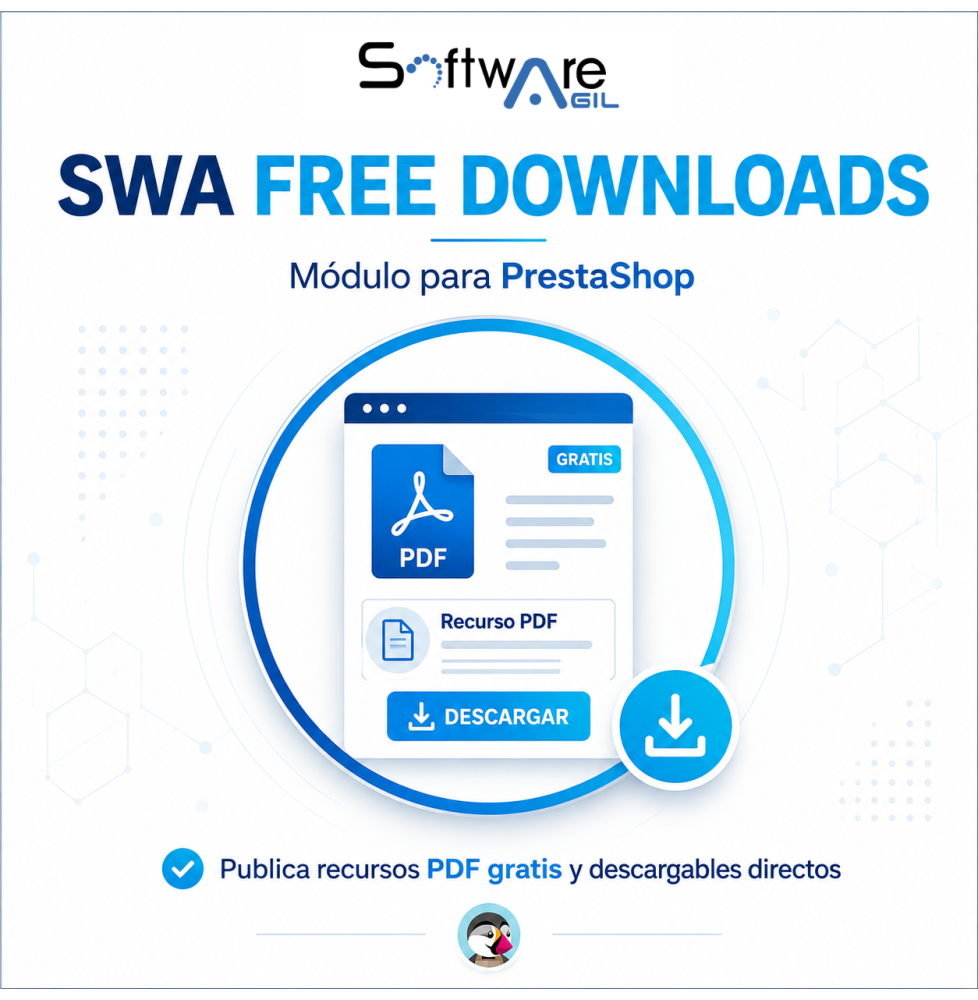
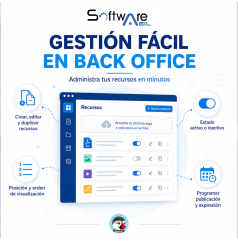
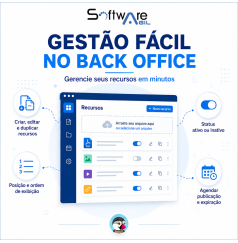
From the Back Office, you can create, edit, duplicate, sort, enable or disable resources, add a cover image and upload the PDF using file selection or Drag & Drop. You can also define a publication date and an expiration date for each document.
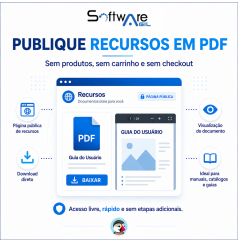
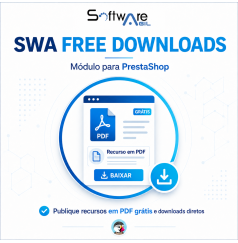
In the Front Office, the module creates a clean and responsive page where visitors can see the image, title, description and PDF file size, open the document in a new tab or perform a direct download.
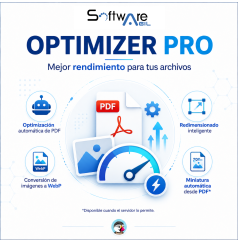
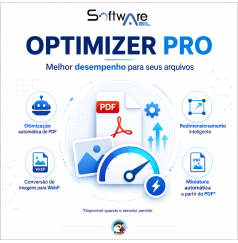
Version 2.0.1 also includes PDF Optimizer Pro, which can automatically reduce PDF file size using Ghostscript, and Image Optimizer Pro, which optimizes module images, adjusts their dimensions and can automatically convert JPG and PNG files to WebP.
If the server has Poppler Utilities (pdftoppm) available, the module can also automatically create a thumbnail using the first page of the PDF. If this dependency is not available, the rest of the module continues to work normally.
It is ideal for publishing user manuals, PDF catalogs, technical sheets, brochures, commercial documentation, instructions, guides, educational material and downloadable resources.